Client guide
Documents and messages
Everything you send us lands directly with the person handling your claim. Use the tracking page, not email, so that nothing gets lost.
Sending a document
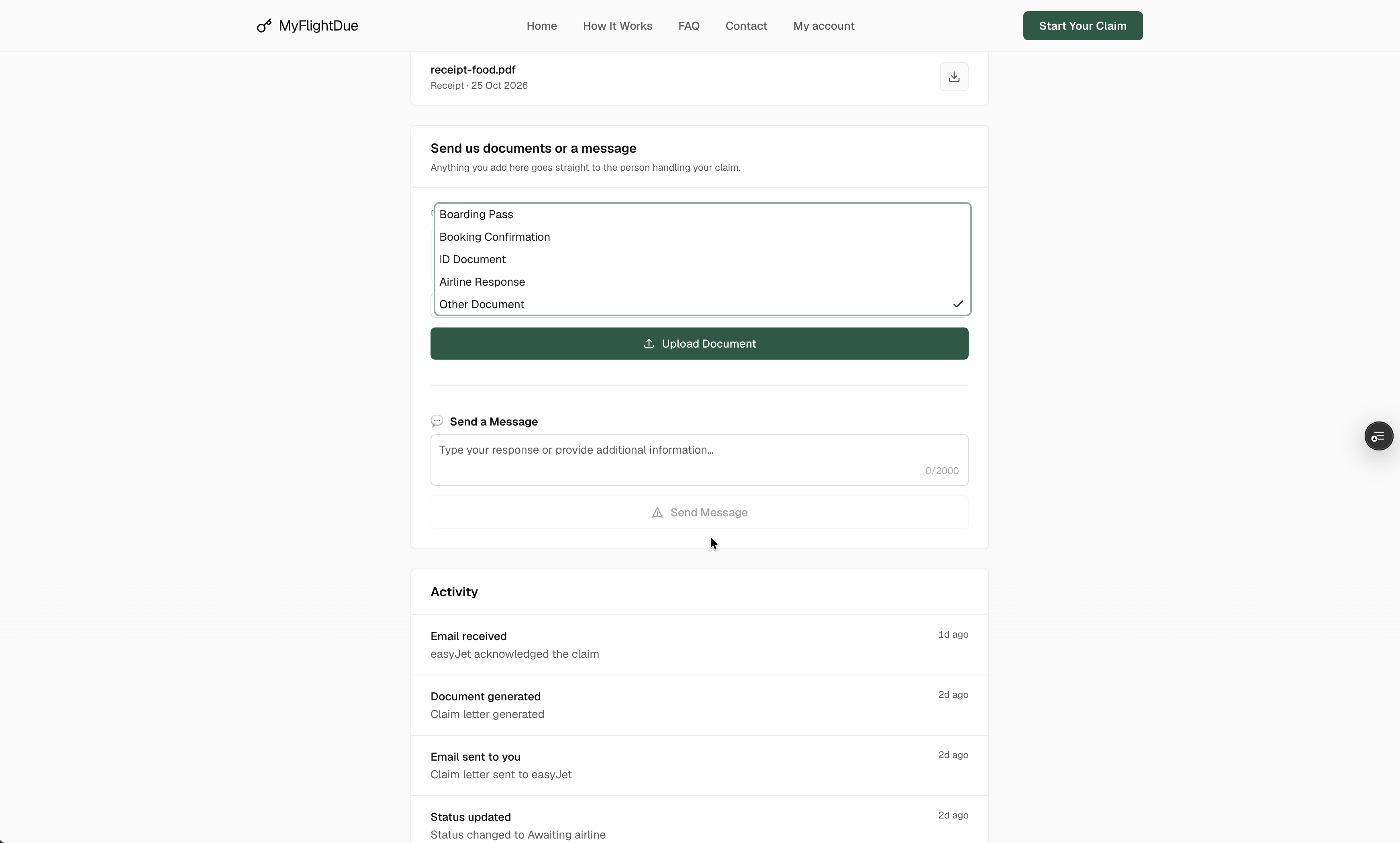
On your tracking page, under Send us documents or a message, choose the file, pick what it is and send. Photos and PDFs are accepted. The document appears in the Documents list of the page and the team is notified.
| Document | When we need it |
|---|---|
| Boarding pass | Proof that you were on the flight. One per passenger when you have them. |
| Booking confirmation | Proof of the booking and of every passenger on it. |
| ID document | Passport or identity card of each passenger, required by most airlines before they pay. |
| Receipt | For every expense you claim: hotel, meals, transport, phone, replacement flight. |
| Airline correspondence | Any email or letter the airline sent you about the disruption or your claim. |
| Evidence | A photo of the departure board, a text message from the airline, anything that shows what happened. |
Writing to us
The message box on the same section is the fastest way to reach the person on your file. Your message appears in the claim timeline and the team answers by email. Use it for a change of address, a question about the status or anything the airline told you directly.
Documents we create for you
- Claim letter · the formal demand sent to the airline, with the flight data and the amount per passenger. You find a copy in the Documents list.
- Authorization · the signed mandate of each passenger, attached to the claim letter.
- Claim form · a summary of the file that some airlines require in their own format.
After the claim is closed, the tracking page stays readable but no longer accepts new documents or messages. For anything else, use the contact page with your claim number.