Client guide
File a claim
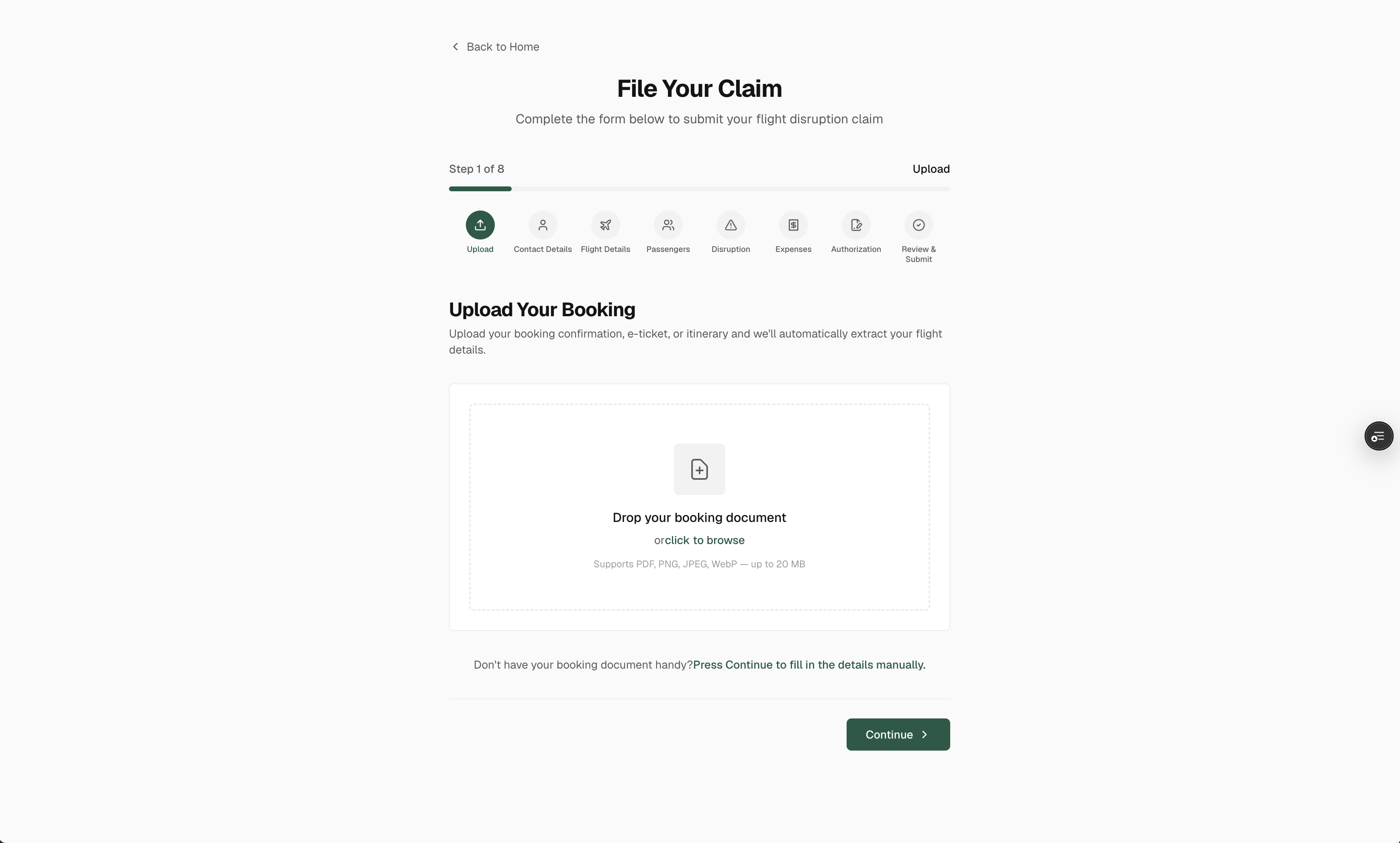
The claim form takes about ten minutes. Eight short steps, saved as you go, and most of the flight details are read from your boarding pass.
Before you start
- Boarding pass or booking confirmation · a photo or a PDF is enough. The form reads the flight, the booking reference and the passengers from it.
- Passenger details · full name, date of birth and an ID document for each passenger on the booking.
- What the airline told you · the reason given, the date you were informed of a cancellation, any replacement flight.
- Receipts · for the hotel, meals, transport or phone calls the disruption cost you, if you want to claim them too.
The eight steps
Upload
Drop your boarding pass or booking email. We read the airline, the flight number, the date and the passengers for you. You can skip this step and type everything by hand.
Contact details
Your name, email, phone and address. The email is where every update lands, and where you sign in later.
Flight details
Booking reference, the flight or flights of the journey. Add a segment for each connection so we can see the whole trip.
Passengers
Every passenger on the booking, with an ID document each. Compensation is paid per passenger, so nobody should be missing.
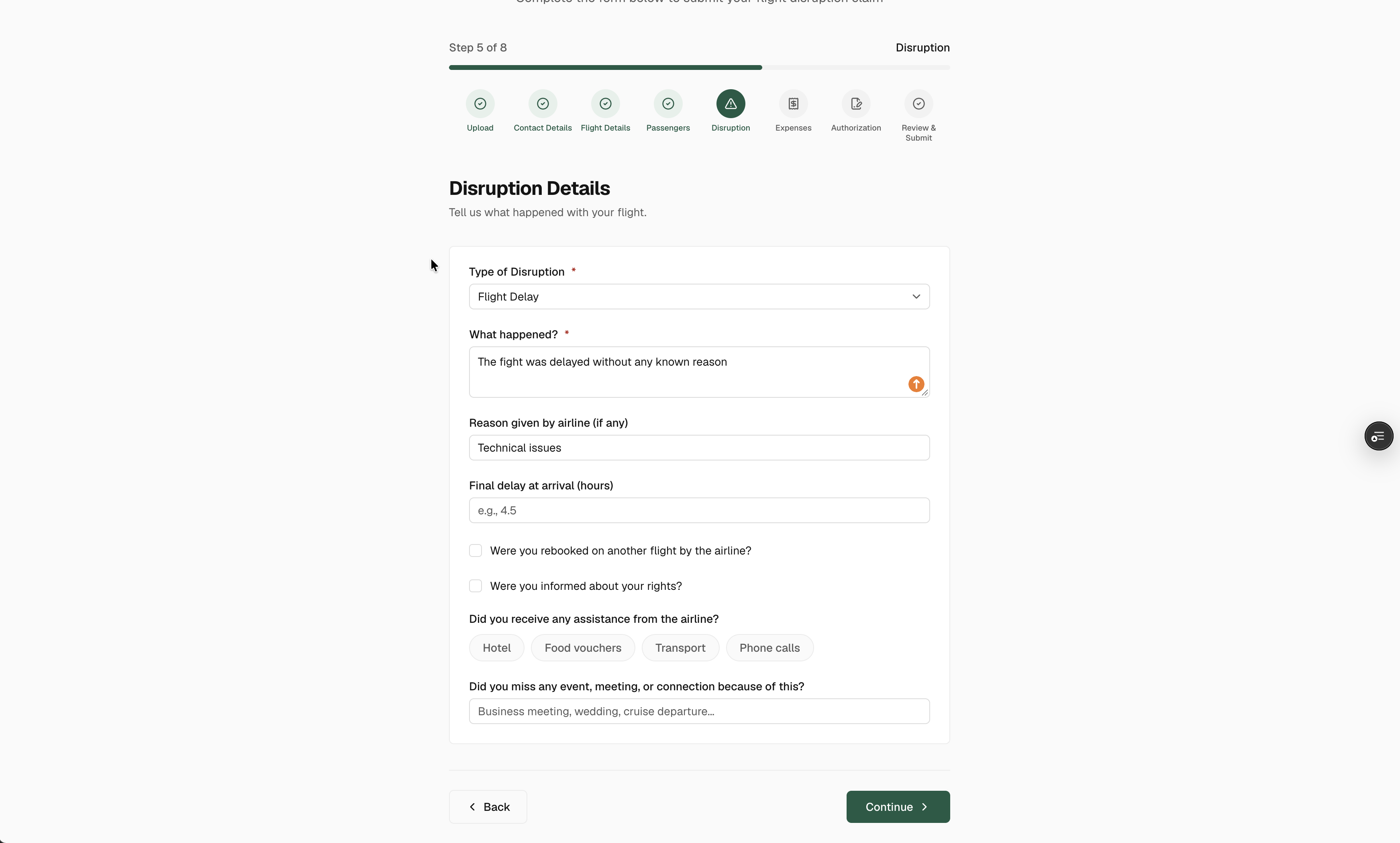
Disruption
What happened, the reason the airline gave, when you were told, the replacement flight, the final delay at arrival and any assistance you received.
Expenses
Hotel, food, taxi, replacement flight, phone. One line per expense, in the currency you paid, with its receipt.
Authorization
Read the agreement, sign on screen. It lets us act for you with the airline. Each other passenger receives their own link to sign.
Review and submit
Everything on one page. Check it, submit, and watch for the confirmation email with your tracking link.
Signatures
Your signature on step 7 covers you. Every other passenger listed on the booking receives an email with a link to read and sign their own authorization. Nothing is sent to the airline before all signatures are in. Each signature appears in the timeline of your tracking page. If a passenger lost their link, write to us from the tracking page and we resend it.
After you submit
- Confirmation email · sent within minutes, with your claim number and the link to your tracking page. Keep it.
- Flight verification · we match your flight against real flight data and the weather that day.
- Assessment · you receive a second email telling you whether the claim looks eligible and for how much per passenger.
- Claim letter · once every passenger has signed, we send the formal claim to the airline and tell you so.
You can stop at any step and come back later: the form keeps what you entered on this device for 30 days and offers to resume where you left off. Your account keeps your contact details for the next claim.